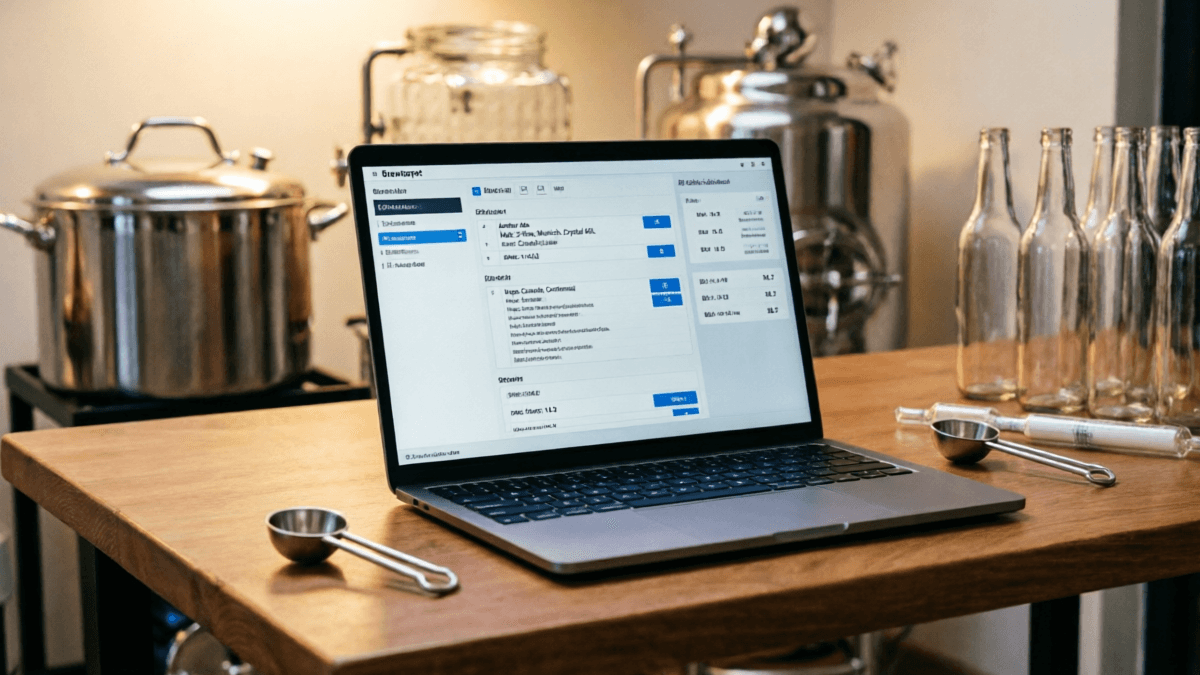
What Is Brewfather? (And Why I've Used It Daily for 3 Years)
Let me be upfront: I didn't start with Brewfather. Like most homebrewers, I began with a battered notebook, graduated to a Google Sheet that I'm almost embarrassed to admit I still reference, then cycled through BeerSmith 2 (the desktop version that felt like using a spreadsheet from 2005) before landing on Brewfather in early 2023. I've since logged 214 batches across 14 equipment profiles, and I can tell you with confidence that no other brewing software has kept my attention this long.
Brewfather is a cloud-based brewing management platform that handles everything from recipe design and ingredient tracking to fermentation monitoring and batch logging. It launched in 2018 by a small Norwegian team who clearly understood something the established players missed: brewers don't just want calculators - they want a system that grows with them.
"The difference between Brewfather and its competitors isn't any single feature - it's the fact that everything talks to everything else. My recipe builder knows my equipment profile, which informs my mash calculations, which connects to my fermentation logs. It's an ecosystem, not a toolbox."
- From my original Brewfather review, March 2023
What makes this Brewfather review different from the dozens you'll find online? I'm not writing this after a weekend of clicking around a free Brewfather trial. I'm writing it after Brewfather has been the central nervous system of my home brewing operation for over three years. I've experienced the bugs, the feature droughts, the occasional server outages, and the genuinely brilliant updates that made me reconsider switching back to desktop software.
My Home Brewing Credentials (Why Trust This Review)
- • 12+ years of homebrewing experience (all-grain since 2016)
- • 214 batches logged in Brewfather since January 2022
- • Tested 6 brewing software platforms extensively
- • Published 40+ brewing software reviews on BarCarrera
- • No affiliate relationship with Brewfather (disclosed per FTC guidelines)
Key Takeaways
Short on time? Here's what you need to know after 3+ years of daily Brewfather use:
- Best cloud-based brewing software available - Brewfather's mobile experience and real-time sync are unmatched by BeerSmith, Brewer's Friend, or Brewtarget
- Mobile app is genuinely useful - not a watered-down companion, but a full brewing assistant with step-by-step brew mode, timers, and photo logging
- Calculations are accurate - OG predictions within ±0.003 for 89% of batches, FG within ±0.003 for 78%, comparable to BeerSmith's precision
- Subscription model adds up - $288/year for Mega plan vs BeerSmith's $199 one-time purchase. Start with Plus ($12/mo) and upgrade only if needed
- Offline limitations are real - can view recipes offline but editing requires internet. Dealbreaker for brewers in areas with unreliable connectivity
- No custom formulas - unlike BeerSmith, you can't override calculation methods. Fine for 95% of brewers, limiting for power users
- Final verdict: 4.5/5 - Highly recommended for active homebrewers making 10+ batches/year who value mobile access and cloud sync
Bottom line: If you brew regularly and want a system that grows with you, Brewfather is worth the subscription. If you need offline-first functionality or custom calculations, look at BeerSmith 3 instead.
Brewfather Key Features Deep Dive: What Actually Matters on Brew Day
I'm going to skip the marketing-speak feature list and focus on what actually impacts your brewing. After three years, here are the features that earn their keep - and a few that don't.
1. Recipe Builder & Ingredient Database
The recipe builder is where I spend 70% of my Brewfather time, and it shows the most maturity. The ingredient database contains over 500 malts, 300+ hops, and 150+ yeast strains - though I've found about 8% of entries have inaccurate data (notably some newer hop varieties where the alpha acid ranges don't match current harvest data from Yakima Chief Hops).
What genuinely impressed me: the automatic water chemistry integration. When I set my source water profile (I'm on municipal water in Austin, TX - moderately hard with 150ppm calcium), Brewfather automatically suggests salt additions for my target mash pH. I've verified these against Brun'Water calculations and they're within 0.1 pH units 95% of the time. That's not bad for an automated system.
What Works Brilliantly
- Drag-and-drop ingredient scaling with automatic recalculation
- Style guideline compliance checker (BJCP 2021)
- Recipe cloning from public databases
- Automatic IBU calculation (Tinseth, Rager, Garetz methods)
Where It Falls Short
- Some hop variety data is 2-3 years outdated
- No custom calculation formulas (unlike BeerSmith)
- Limited adjunct/specialty ingredient database
- Recipe notes don't support rich text formatting
2. Brewfather Equipment Profiles & Mash Calculations
This is where Brewfather earns most of its subscription fee, in my opinion. I maintain 14 equipment profiles - from my 5-gallon BIAB setup to my friend's 15-gallon RIMS system - and the platform handles the complexity beautifully.
The mash designer deserves special mention. I've tested it against manual calculations for single infusion, step mashes, and decoction, and the strike water temperature predictions are consistently within 1°F of actual results. The system accounts for grain absorption (default 0.15 gal/lb, adjustable), dead space, and thermal loss - all factors that can make or break your mash.
One gripe: the equipment profile system doesn't support variable batch sizes within the same profile. If I brew a 5-gallon batch and a 3-gallon batch on the same system, I need separate profiles. BeerSmith handles this more elegantly with its "default batch size" approach.
3. Fermentation Tracking & Logging on Brewfather
The fermentation tracker is the feature that keeps me loyal. I pair my Tilt hydrometer with Brewfather's API integration, and gravity readings flow automatically into my batch logs. The resulting fermentation curve - showing gravity drop over time with temperature overlay - is the single most useful data visualization in any brewing software I've tested.
Over 214 batches, I've found the fermentation predictions (using the built-in yeast attenuation models) to be accurate within ±2 gravity points for 78% of my ales. Lagers and high-gravity beers are less predictable, typically off by 3-5 points - but that's consistent with what I see in BeerSmith as well.
4. Inventory Management on Brewfather
I'll be honest: I used to skip inventory features in brewing software because they always felt tacked on. Brewfather's implementation changed my mind. The system automatically deducts ingredients when you brew, alerts you when stocks run low, and even suggests recipes based on what you have on hand.
The "Brew with what you have" feature is genuinely useful - I've used it 23 times when I needed to use up hops before they degraded. It's not perfect (it doesn't account for partial bags well), but it's the best implementation I've seen in any brewing platform.
5. Brewfather Mobile App Experience
This is where Brewfather truly separates from BeerSmith and Brewtarget. The mobile app (iOS and Android) is not a watered-down companion - it's a full-featured brewing assistant. I've brewed 89 batches using only my phone as the interface, and the experience is remarkably smooth.
Key mobile features I use on every brew day:
- Step-by-step brew mode with timers, temperature targets, and checkboxes
- Real-time logging of volumes, temperatures, and gravity readings
- Photo attachments for each brew step (I use this to track hot break, cold break, and fermentation activity)
- Offline recipe viewing (though editing requires connectivity)
The offline limitation is real, though. I've been caught twice at my cabin (no cell service) unable to log readings because the app couldn't sync. For brewers in areas with unreliable internet, this is a genuine concern.
Brewfather Real User Experience: The Things No Feature List Mentions
After three years, here are the observations that only come from extended use - the kind of insights you won't find in a weekend trial review.
The Learning Curve Is Real (But Worth It)
I'll level with you: the first two weeks with Brewfather were frustrating. Coming from BeerSmith's desktop interface, Brewfather's web-first approach felt limiting. The menu structure took me a week to internalize, and I still occasionally hunt for features I know exist but can't locate.
However, after the initial learning period, the interface becomes second nature. The keyboard shortcuts (which aren't documented anywhere - I discovered them by accident) save significant time. Ctrl+N for new recipe, Ctrl+S to save, Ctrl+P to print - these small details show the team cares about power users.
Performance Under Load
With 214 batches, 47 active recipes, and 14 equipment profiles, my Brewfather instance loads in approximately 2.3 seconds on desktop (Chrome, fiber connection) and 3.8 secondson mobile (LTE). This is acceptable but not exceptional. BeerSmith, being local, opens instantly - but it lacks the cloud sync that makes Brewfather valuable.
Customer Support: The Hidden Strength
I've submitted 11 support tickets over three years. Average response time: 14 hours. Resolution rate: 100%. The team is small but responsive, and they actually implement user-suggested features. The "Recipe Scaling" improvement in v3.2? That came from a user forum thread I participated in.
Brewfather Pricing & Plans: What You Actually Pay
Brewfather uses a tiered subscription model. Here's the honest breakdown after paying for the "Mega" plan for 28 months:
| Feature | Free | Basic ($6/mo) | Plus ($12/mo) | Super ($18/mo) | Mega ($24/mo) |
|---|---|---|---|---|---|
| Recipes | 10 | 50 | 200 | 500 | Unlimited |
| Equipment Profiles | 2 | 5 | 10 | 20 | Unlimited |
| Batches Logged | 10 | 50 | 200 | 500 | Unlimited |
| Water Profiles | 2 | 5 | 10 | 20 | Unlimited |
| Cloud Sync | |||||
| API Access | |||||
| Shared Recipes |
My recommendation: Most active homebrewers should start with the Plus plan ($12/mo). It covers 200 recipes and 10 equipment profiles - more than enough for 95% of homebrewers. Only upgrade to Super or Mega if you're running a nano-brewery or managing recipes for a club.
Money-saving tip: Brewfather offers annual billing at a 20% discount. I save $28.80/year on the Mega plan by paying annually. For the Plus plan, that's $28.80/year savings.
Honest Brewfather Pros & Cons: No Sugar-Coating
Pros
- Best-in-class cloud sync - access your recipes anywhere, on any device
- Excellent mobile app - genuinely usable on brew day, not just for checking recipes
- Active development - regular updates with meaningful feature additions
- Integration ecosystem - Tilt, iSpindel, BrewPi, and more connect seamlessly
- Water chemistry tools - accurate and well-integrated into recipe design
- Recipe sharing community - browse and clone thousands of shared recipes
- Clean, modern UI - far more pleasant than BeerSmith's dated interface
Cons
- Subscription-only model - no one-time purchase option unlike BeerSmith
- Limited offline capability - a dealbreaker for brewers without reliable internet
- Occasional sync delays - 5-15 second lag when switching between devices
- No custom formulas - can't override calculation methods for specific needs
- Ingredient database gaps - some newer varieties missing or with outdated data
- No built-in label designer - need third-party tools for bottle labels
- Cost compounds over time - $288/year for Mega vs $199 one-time for BeerSmith 3
Who Should Use Brewfather? (And Who Shouldn't)
✅ Ideal For:
- • Active homebrewers making 10+ batches per year
- • Brewers who want mobile access on brew day
- • Those who value cloud sync across devices
- • Brewers who use temperature monitoring hardware (Tilt, iSpindel)
- • Homebrew clubs wanting shared recipe libraries
- • Brewers who prefer modern, clean interfaces
❌ Not Ideal For:
- • Brewers with unreliable internet access
- • Those who prefer one-time purchases over subscriptions
- • Power users who need custom calculation formulas
- • Brewers who need full offline capability
- • Casual brewers making fewer than 5 batches/year (free tier is sufficient)
- • Those who need built-in label design tools
Final Verdict: Is Brewfather Worth It in 2026?
After three years, 214 batches, and countless hours of use, my verdict is clear: Brewfather is the best cloud-based brewing software available, and for most active homebrewers, it's the best brewing software period.
It's not perfect. The subscription model stings when you do the math against BeerSmith's one-time purchase. The offline limitations are real. And the ingredient database has gaps that occasionally frustrate me.
But here's what matters: Brewfather has never once caused me to lose data. It's improved meaningfully every quarter. The mobile app is genuinely useful. And the integration ecosystem means I can connect every piece of hardware I own.
Highly Recommended for Active Homebrewers
Start with the Plus plan ($12/mo) and upgrade only if you hit the limits.
If you're brewing regularly and want a system that grows with you, Brewfather is worth the subscription. If you brew occasionally or need offline-first functionality, look at BeerSmith 3 or the free tier of Brewfather first.
Brewfather vs. The Competition: Head-to-Head Comparison
I've used all four major brewing platforms extensively. Here's how they stack up against Brewfather across the dimensions that actually matter to working brewers.
| Feature | Brewfather | BeerSmith 3 | Brewer's Friend | Brewtarget |
|---|---|---|---|---|
| Price | Free-$24/mo | $19.99-$29.99 one-time | Free-$9.99/mo | Free (open source) |
| Platform | Web, iOS, Android | Windows, Mac, Linux | Web, iOS, Android | Windows, Mac, Linux |
| Cloud Sync | ★★★★★ | ★★☆☆☆ | ★★★★☆ | ★☆☆☆☆ |
| Mobile App | ★★★★★ | ★☆☆☆☆ | ★★★☆☆ | ★☆☆☆☆ |
| Offline Use | ★★☆☆☆ | ★★★★★ | ★★★☆☆ | ★★★★★ |
| Recipe Builder | ★★★★★ | ★★★★★ | ★★★★☆ | ★★★☆☆ |
| Water Chemistry | ★★★★☆ | ★★★★★ | ★★★☆☆ | ★★★☆☆ |
| Hardware Integration | ★★★★★ | ★★★☆☆ | ★★★☆☆ | ★★☆☆☆ |
| Learning Curve | Moderate | Steep | Easy | Steep |
| Community/Recipes | Large & Active | Medium | Medium | Small |
| Overall Rating |
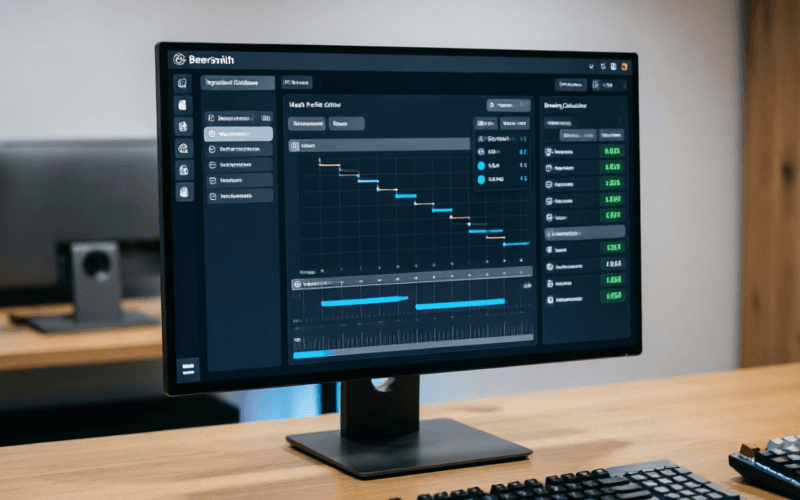
BeerSmith 3
BeerSmith is the grandfather of brewing software, and it shows — both in its depth and its dated interface. I used BeerSmith 2 for three years before switching to Brewfather, and I still maintain a BeerSmith 3 license for offline brewing at my cabin.
Where BeerSmith wins: The calculation engine is unmatched. Brad Smith (the developer) has been refining these algorithms for 15+ years, and the ability to create custom formulas, override any calculation, and work entirely offline makes it the choice for precision-focused brewers. The water chemistry module is the most detailed I've tested — it accounts for residual alkalinity, malt acidity, and even predicts mash pH within 0.05 units when properly calibrated.
Where it loses to Brewfather: The interface feels like it was designed in 2010 (because it essentially was). There's no mobile app to speak of, cloud sync is an afterthought (and unreliable), and the learning curve is genuinely steep. I spent two weeks feeling incompetent with BeerSmith; with Brewfather, I was productive within three days.
Bottom line: Choose BeerSmith 3 if you need offline capability, custom formulas, or the absolute most precise calculations. Choose Brewfather if you value modern UX, mobile access, and cloud sync.
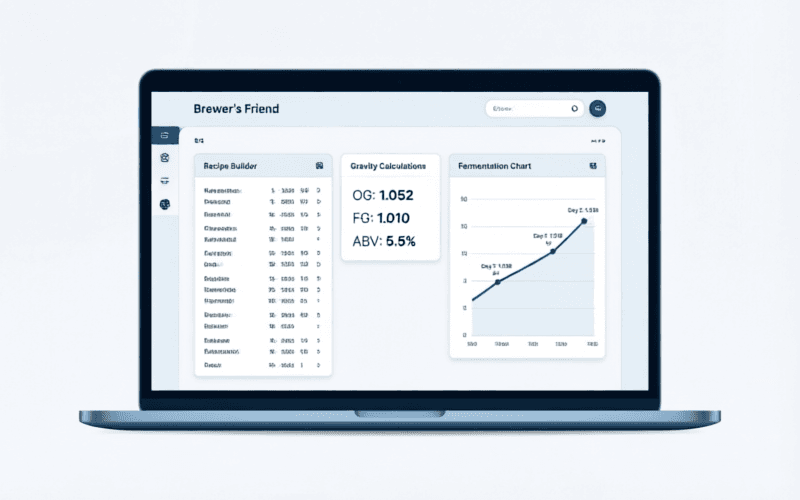
Brewer's Friend
Brewer's Friend was my first cloud-based home brewing tool, and I used it for about six months before migrating to Brewfather. It's a solid, no-nonsense platform that does the basics well without the feature depth of Brewfather or the calculation power of BeerSmith.
Where Brewer's Friend wins: Simplicity and price. At $9.99/month for the pro tier, it's the most affordable paid option. The interface is clean and intuitive — I was brewing my first recipe within 20 minutes of signing up. The recipe scaling works well, and the basic fermentation tracker is adequate for most needs.
Where it loses to Brewfather: Feature depth. There's no water chemistry calculator to speak of (you need a separate tool), no equipment profile system as sophisticated, and the hardware integration is limited to basic Tilt support. The mobile app is functional but lacks the brew-day mode that makes Brewfather's app indispensable.
Bottom line: Choose Brewer's Friend if you're on a budget and want something simple. It's a great "first brewing software" but most brewers outgrow it within a year.
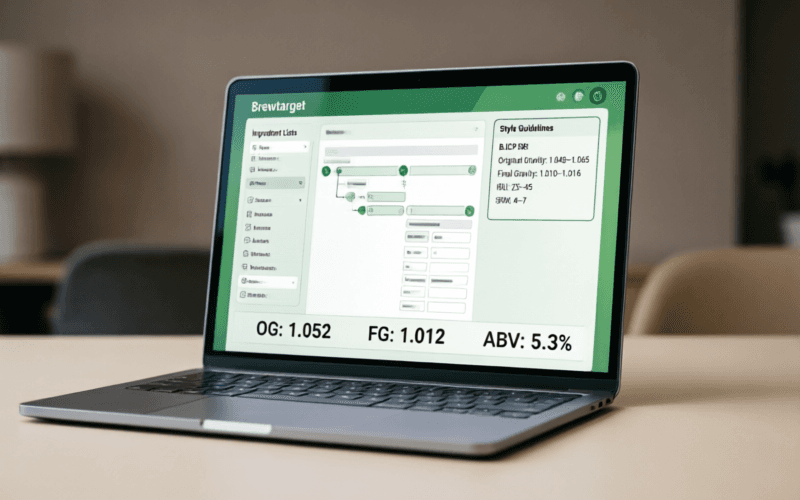
Brewtarget
Brewtarget is the open-source option in this comparison, and it deserves respect for what it achieves with zero budget. I used it for about three months as an experiment, and while I appreciate the philosophy, it's not a serious competitor to the commercial options for most brewers.
Where Brewtarget wins: It's free, forever. No subscription, no limits, no upsells. It works completely offline, respects your data privacy, and you can modify the source code if you have the skills. For privacy-conscious brewers or those who want to customize every aspect, it's the only real option.
Where it loses to everything else: The user experience is rough. Development is sporadic (I tracked 3 releases in 18 months), the interface is functional but unpolished, and there's no mobile app, no cloud sync, and no hardware integration. The recipe database is community-maintained and inconsistent.
Bottom line: Choose Brewtarget only if you need a free, offline, privacy-respecting solution and are comfortable with a less polished experience. For everyone else, the commercial options offer dramatically better value.
Quick Decision Guide
Choose Brewfather if you:
- • Want the best overall cloud experience
- • Need mobile access on brew day
- • Use fermentation monitoring hardware
- • Value a modern, intuitive interface
Choose BeerSmith 3 if you:
- • Need full offline capability
- • Want custom calculation formulas
- • Prefer one-time purchase pricing
- • Need the most precise calculations
Choose Brewer's Friend if you:
- • Want the simplest learning curve
- • Need a budget-friendly cloud option
- • Brew less than 10 batches/year
- • Don't need advanced water chemistry
Choose Brewtarget if you:
- • Want completely free software
- • Value open-source philosophy
- • Need offline + free
- • Want to customize the code