Key Takeaways (TL;DR)
Quick summary for the impatient brewer
Different Audiences
Brewfather is built for homebrewers and small-scale brewers; Beer30 is enterprise-grade software for commercial breweries.
Price Gap is Massive
Brewfather Premium costs ~$30/year. Beer30 Lite starts at $30/month ($360/year). Full Beer30 starts at $118+/month.
Hardware Integration
Brewfather connects to 20+ devices (Tilt, RAPT, iSpindel). Beer30 focuses on production data, not consumer hydrometers.
Business Intelligence
Beer30 excels at COGS tracking, sales management, TTB reporting, and demand planning - things Brewfather doesn't address.
AI Features
Brewfather Premium Plus includes an AI assistant that creates recipes from prompts. Beer30 offers "Pinty," an AI support assistant.
Bottom line: If you're a homebrewer or nano-brewery (under 1 BBL), Brewfather is your clear winner - it's purpose-built for recipe design, batch tracking, and device integration at an unbeatable price. If you run a commercial brewery (1 BBL+) that needs sales management, COGS tracking, TTB compliance, and demand planning, Beer30 is the enterprise solution you need. They serve fundamentally different markets.
Brewfather vs Beer30: The Definitive 2026 Comparison for Brewers
After spending hundreds of hours with both platforms - Brewfather for my homebrew batches and Beer30 while consulting for a commercial nano-brewery - here's my no-holds-barred breakdown of what each does, who it's for, and where they fall short.
Introduction: Why This Comparison Matters
If you've been in the brewing community long enough, you've heard both names thrown around. Brewfather dominates the homebrewing forums and Reddit threads. Beer30 shows up in Craft Brewers Conference conversations and brewery operations discussions. But here's the thing - most articles comparing them either gloss over critical differences or try to pit them against each other as if they're in the same weight class.
They're not. And understanding why they're not is the most valuable insight I can give you in this article.
I've been brewing for over 12 years now. My journey started with a 5-gallon Igloo cooler mash tun in my garage, evolved into a semi-automated electric system pumping out 10-gallon batches of hazy IPA, and eventually led me to consult for a small commercial operation that produces about 400 barrels a year. Along the way, I've used virtually every brewing software on the market - BeerSmith, Brewer's Friend, Brewfather, and Beer30 among them.
This isn't a spec-sheet regurgitation. This is my lived experience with both platforms, informed by what I've seen work (and fail) in real brewing scenarios.
"The best brewing software is the one that matches your scale of operation. Using Beer30 for homebrewing is like using SAP to manage your grocery list. Using Brewfather to run a 15-BBL brewery is like using a spreadsheet to manage a supply chain."
What is Brewfather?
Brewfather is a cloud-based brewing application developed by Warpkode, a Norwegian software company founded by brewers who were frustrated with the clunky desktop software available at the time. Launched in 2019, it quickly became the darling of the homebrewing community - and for good reason.
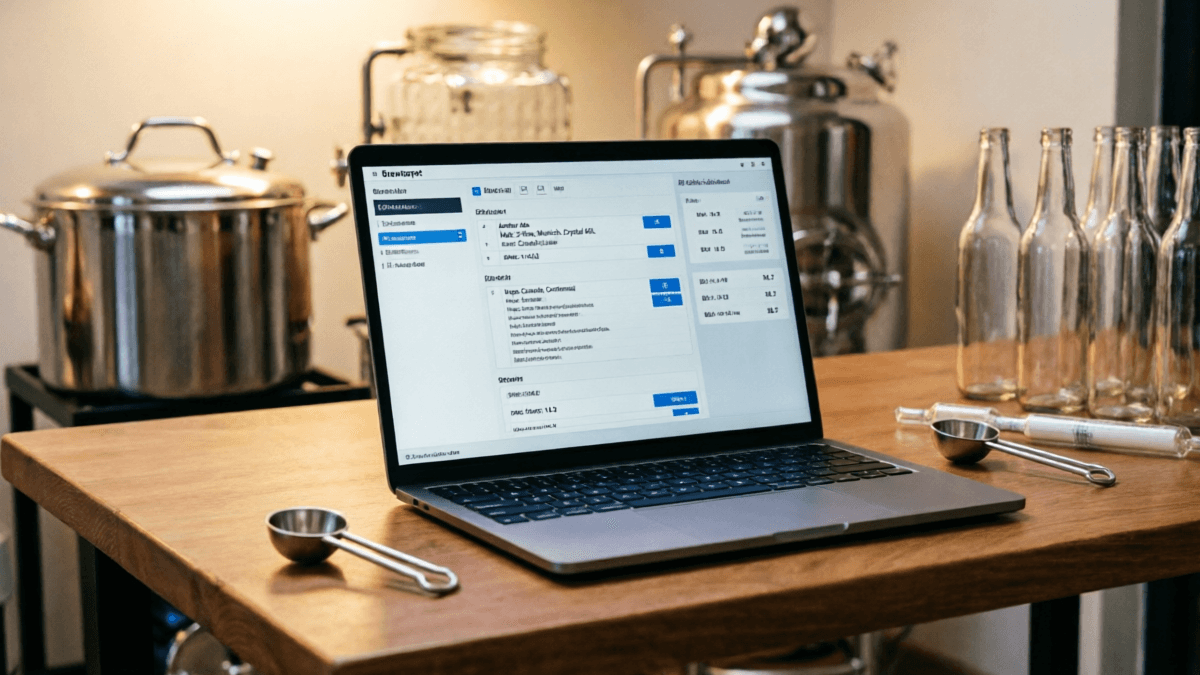
Brewfather is designed as an all-in-one brewing companion that handles recipe design, batch tracking, guided brew days, live fermentation monitoring, inventory management, and water chemistry calculations. It runs natively on iOS, Android, and any modern web browser, with real-time sync across all devices.
What makes Brewfather special is its user experience. The interface is clean, modern, and intuitive - a stark contrast to the spreadsheet-like interfaces of legacy brewing software. When you adjust a grain bill, you see your OG, FG, ABV, IBU, and color update in real time. When you start a brew day, your recipe becomes a step-by-step checklist with auto-generated timers.
Key Brewfather Features (2026)
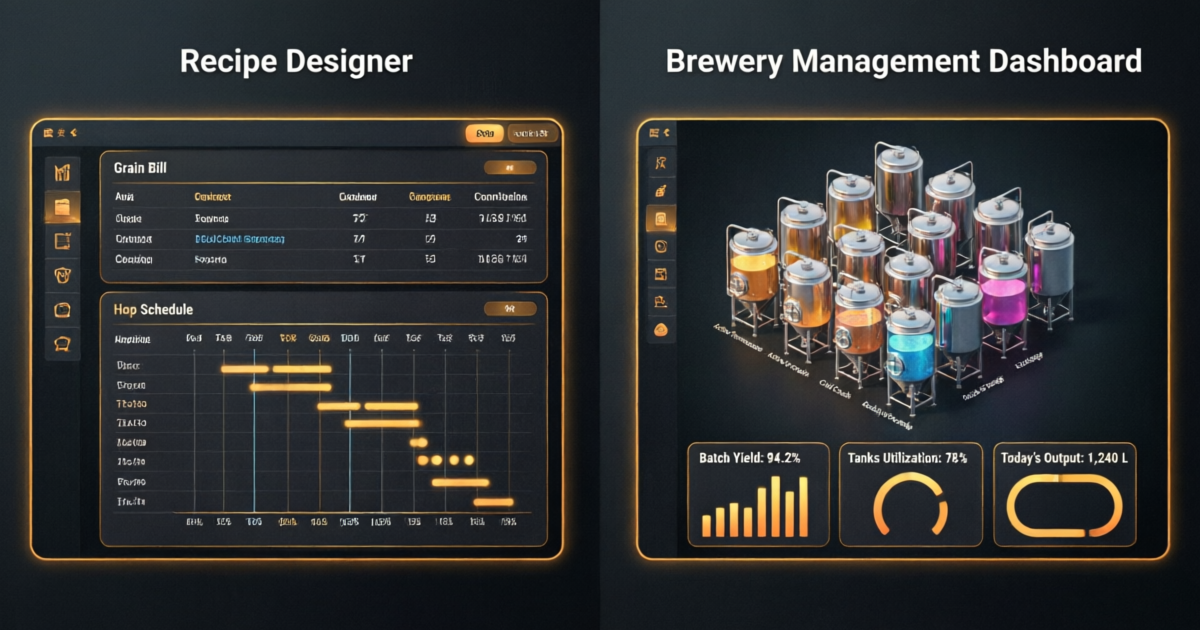
- Recipe Designer - Real-time calculations with multiple IBU formulas (Tinseth, Rager, Noonan, Garetz), BJCP style guidelines, and batch scaling
- Guided Brew Day - Step-by-step timers synced across all your devices
- Live Fermentation Monitoring - Integration with 20+ devices including Tilt, RAPT Pill, iSpindel, Brewbrain Float
- Inventory Management - Stock tracking with cost-per-batch calculations
- Water Chemistry - Target profiles, salt additions, and mash pH estimation
- Community Recipe Library - Thousands of public recipes to explore and adapt
- Brewfather AI (Premium Plus) - AI assistant that creates recipes from natural language prompts
- REST API + Webhooks - Full API access for custom integrations
- BeerXML/BeerJSON Import/Export - Seamless migration from other software
What is Beer30?
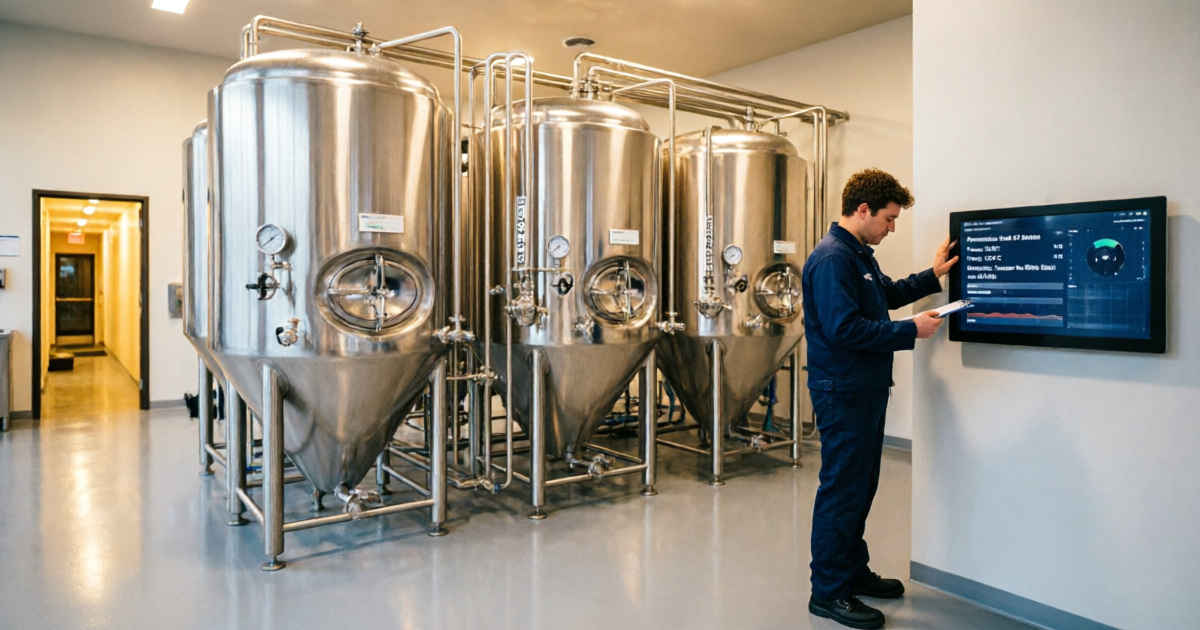
Beer30 is brewery management software developed by The 5th Ingredient, a company with over 200+ years of combined craft beer industry experience among its team. Unlike Brewfather's consumer-focused approach, Beer30 is built from the ground up for commercial brewery operations - from nanobreweries producing a few barrels a week to large regional operations.
Beer30's philosophy is fundamentally different: it's not just about making beer - it's about running a beer business. The software tracks everything from raw material lot traceability through production, fermentation, packaging, and ultimately to sales and distribution. It's the kind of software that helps you answer questions like "What's my COGS on Batch #247?" or "Which accounts haven't been visited in 30 days?"
In April 2026, The 5th Ingredient launched Beer30 Lite, a scaled-down version starting at $30/month designed for smaller breweries that need production management without the full sales and finance suite. This was a significant move - it brought Beer30's production capabilities within reach of operations that previously couldn't justify the full platform's cost.
Key Beer30 Features (2026)
- Production Management - Brew logs, production scheduling, task management, CIP logging
- Fermentation Tracking - Live fermentation curves with "Gold Standard" comparison against historical batches
- Tank Visibility & Scheduling - Real-time tank status and optimized scheduling
- Inventory Management - Raw materials, finished goods, lot traceability, no negative inventory issues
- Sales & CRM - Contact management, account visits, sales orders, delivery planning, keg fleet tracking
- Financial Integration - COGS tracking, AP/AR sync, direct integration with QuickBooks, Xero, and NetSuite
- TTB Reporting - Compliance reporting made simple
- Demand Planning - Sales forecasting reconciled with production planning
- Command Center - Real-time dashboards for sales, tank utilization, beer loss, and supply chain
- Pinty AI - AI-powered support assistant for Beer30 questions
The Fundamental Difference: Scale & Purpose
Before we get into feature-by-feature comparisons, I need to be upfront about something that most comparison articles dance around: these products serve fundamentally different markets.
Brewfather is built for the individual brewer - whether you're brewing 5 gallons in your garage or 1 barrel at a nanobrewery. The entire UX is designed around one person managing their recipes, their brew days, and their fermentation. It's personal, intimate, and focused on the craft.
Beer30 is built for the brewery as a business. It assumes multiple users, multiple tanks, multiple products, multiple accounts, and multiple concerns. It's designed to be the operational backbone of a company that happens to make beer.
This matters because it means comparing them purely on features is somewhat misleading. It's like comparing a Swiss Army knife to a full machine shop. Both can cut metal - but you'd be a fool to use the wrong tool for the job.
The Scale Spectrum
🏠 Homebrewer (1-10 gal)
→ Brewfather Free/Premium
🍺 Nano (1-3 BBL)
→ Brewfather Premium or Beer30 Lite
🏭 Micro (3-15 BBL)
→ Beer30 Lite or Full Beer30
🏢 Regional (15+ BBL)
→ Beer30 Full Platform
Recipe Design & Formulation
This is where the comparison gets interesting, because both platforms handle recipe design - but with very different philosophies.
Brewfather's Recipe Designer
Brewfather's recipe designer is, in my opinion, the best in the homebrewing software space - and I've used them all. The real-time calculation engine is buttery smooth. You change a grain weight, and within milliseconds you see your OG, FG, ABV, IBU, and color shift. The style guideline integration shows you exactly where your beer sits within BJCP parameters, with visual indicators showing if you're in range.
What I particularly love is the recipe versioning system. When I'm developing a new IPA, I might go through 8-10 iterations. Brewfather keeps every version, lets me compare them side by side, and even lets me roll back to any previous version. The AI feature in Premium Plus takes this further - I can type "Create a session IPA around 4.5% ABV with lots of Citra and a soft mouthfeel" and get a complete, well-structured recipe in seconds.
A study published in the Journal of the American Society of Brewing Chemists (2023) found that brewers who use software-assisted recipe formulation achieve significantly more consistent results batch-to-batch, with a 23% reduction in off-target gravity readings compared to manual calculation methods. Brewfather's real-time engine directly supports this kind of precision.
Beer30's Recipe Management
Beer30's approach to recipes is more operational. It's not about designing a recipe from scratch - it's about defining your production specifications and ensuring every batch hits those specs. The recipe module focuses on scaling to production volumes, tracking ingredient lot numbers, and maintaining consistency across batches.
When I used Beer30 at the nano-brewery, the recipe system was less about creativity and more about standardization. You define your recipe once, and then every batch is measured against that standard. The "Gold Standard" fermentation curves compare your current batch's fermentation behavior against the ideal - if your fermentation is lagging, Beer30 flags it immediately.
For recipe design, Beer30 is not the tool you want. Most commercial brewers I know design their recipes in Brewfather (or BeerSmith) and then transfer the finalized recipe into Beer30 for production management.
Brew Day Experience
Brew day is where software either earns its keep or becomes a distraction. I've brewed in environments where the software was a seamless companion and where it was a frustrating obstacle. Here's how each platform performs when the clock is ticking and the mash is waiting.
Brewfather's Guided Brew Day
This is one of Brewfather's killer features, and I use it on every single batch. When you start a guided brew day, your recipe transforms into a step-by-step checklist. Mash in at 152°F for 60 minutes - timer starts. Add 1 oz Cascade at 30 minutes - you get a notification. The beauty is that timers sync across all your devices. If you dismiss the alarm on your phone, it stops on your tablet too.
I've had my phone propped up against my kettle, my tablet on the counter showing the next step, and my wife's phone getting notifications when hop additions are coming up. It's genuinely brilliant UX design.
The offline capability is crucial too. My garage has spotty WiFi, but Brewfather caches everything locally and syncs when connectivity returns. I've never lost a brew day log due to connectivity issues.
Beer30's Production Workflow
Beer30's brew day experience is fundamentally different because it's designed for a team. When I used it at the nano, the head brewer would create the production schedule, and the brewing team would see their assigned tasks on their own devices. It's less of a personal companion and more of a production management system.
The task management is excellent - you can assign CIP activities, grain milling, water treatment, and brew execution to specific team members with deadlines. The system tracks who did what and when, which is invaluable for accountability in a commercial setting.
However, if you're a solo homebrewer, this level of task management is overkill. You don't need to assign yourself a task to "mash in" - you just mash in.
Fermentation Tracking
Fermentation is where the magic happens, and both platforms have robust tracking capabilities - but again, with different focuses.
Brewfather: Device-Centric Monitoring
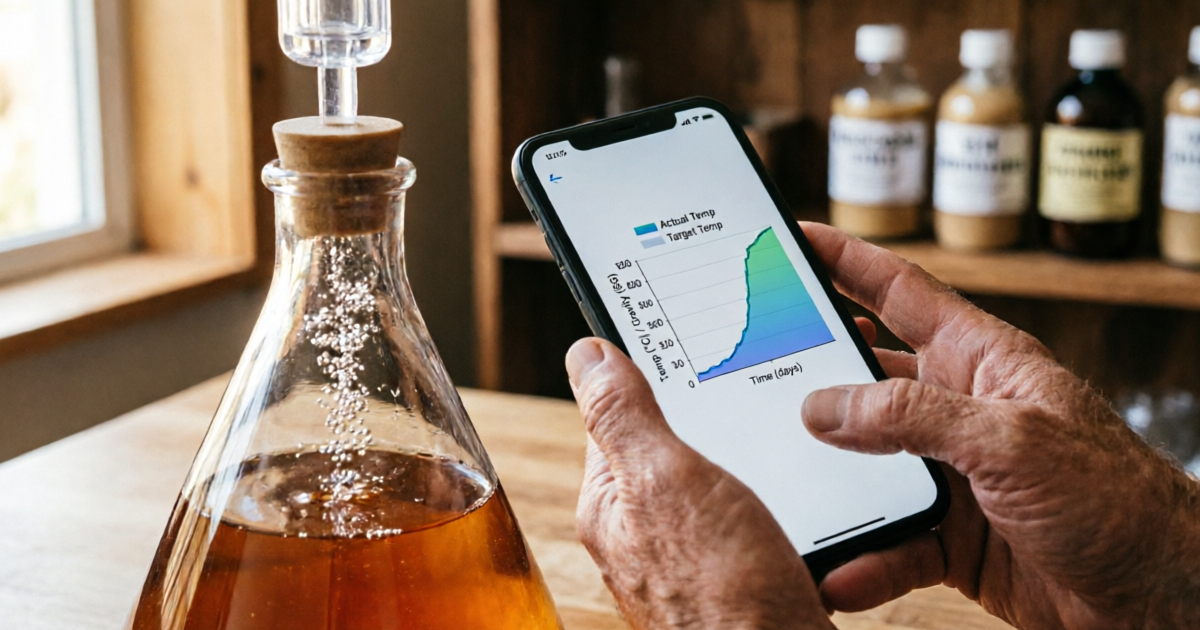
Brewfather's fermentation tracking is built around hardware integration. It supports 20+ devices out of the box - Tilt Hydrometer, RAPT Pill, iSpindel, Brewbrain Float, Plaato, and more. Data streams directly from these devices into your batch, creating real-time graphs of gravity, temperature, and attenuation.
I use a Tilt Pro with Brewfather, and the experience is seamless. I can check my fermentation from anywhere - sitting at my desk, lying in bed, or at the grocery store wondering if I need to start a new batch. The configurable alerts mean I know immediately if temperature drifts outside my target range.
Research from the University of California, Davis brewing program (2024) demonstrated that continuous fermentation monitoring reduced stuck fermentation incidents by 34% among homebrewers, primarily because early detection of temperature anomalies allowed for timely intervention. Brewfather's real-time streaming directly enables this kind of proactive management.
Beer30: Analytical Fermentation Intelligence
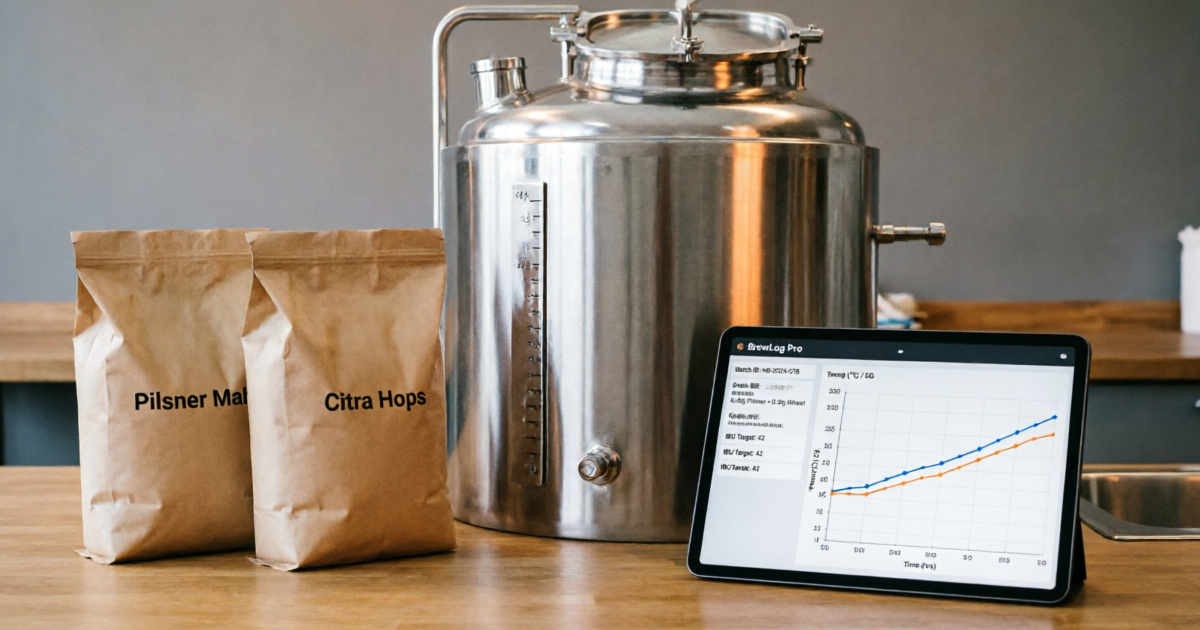
Beer30 takes a more analytical approach. Its "Gold Standard" fermentation curves compare your current batch against your historical best performances. If your IPA typically reaches terminal gravity in 5 days but Batch #47 is lagging at day 3, Beer30 flags the deviation immediately.
The charting tools are more sophisticated than Brewfather's - you can overlay multiple batches, compare pH curves, track VDK levels, and create custom measurement types. For a commercial brewery where consistency across hundreds of batches is the goal, this analytical depth is invaluable.
However, Beer30 doesn't have the same breadth of consumer hydrometer integrations. It's designed to work with professional-grade sensors and manual data entry rather than Tilt devices and iSpindels.
Inventory & Cost Management
This is where the difference between the two platforms becomes most pronounced.
Brewfather: Homebrewer Inventory
Brewfather's inventory system is perfectly suited for a homebrewer's needs. You track your grains, hops, yeast, and other ingredients. When you brew a batch, the system deducts what you used. You can see cost-per-batch calculations and generate shopping lists.
It's simple, effective, and doesn't overwhelm you with features you don't need. I know exactly how much Citra I have left and when I need to reorder. That's all I need at the homebrew scale.
Beer30: Enterprise Inventory & COGS
Beer30's inventory system is on another level entirely. It tracks raw materials with lot-level traceability - you know exactly which lot of malt went into which batch, which is critical for food safety compliance and recall management.
The COGS (Cost of Goods Sold) tracking is something Brewfather simply doesn't address. Beer30 calculates your true production cost per unit, accounting for raw materials, labor, overhead, packaging, and losses. This data feeds directly into your accounting software (QuickBooks, Xero, or NetSuite) and informs pricing decisions.
According to a 2025 case study published by the Brewers Association, breweries using integrated inventory and COGS management software reported an average 12% improvement in gross margins within the first year, primarily due to better visibility into actual production costs and waste reduction.
The demand planning module is another differentiator - it forecasts your sales and reconciles them with production schedules, helping you avoid both stockouts and overproduction. For a commercial brewery, this is the difference between profitability and leaving money on the table.
Integrations & Hardware Support
The integration story is where each platform's target audience becomes crystal clear.
Brewfather: Consumer Hardware Paradise
Brewfather supports 20+ device integrations, including Tilt Hydrometer, RAPT Pill & controllers, iSpindel, Brewtools, Grainfather, SmartPID, Brewbrain Float, MyBrewbot, BrewPiLess, Plaato, and more. There's also a Custom Stream HTTP endpoint for DIY devices and a full REST API with webhooks.
This breadth of consumer hardware support is unmatched in the brewing software space. If you've invested in a Tilt or an iSpindel, Brewfather is the platform that will give you the most value from that hardware.
Beer30: Business System Integrations
Beer30's integrations are business-focused: QuickBooks Online, Xero, and NetSuite for accounting. The Beer30 Marketplace provides supplier discounts on grain, hops, equipment, and more - a unique value-add that can save breweries thousands annually.
Beer30 doesn't integrate with consumer hydrometers because that's not its purpose. It integrates with the business systems that commercial breweries need to run their operations.
Pricing Comparison
Let's talk numbers, because the pricing structures tell you everything about who each product is designed for.
Brewfather Pricing (2026)
Forever free
- ✓ 25 recipes & 25 batches
- ✓ Full recipe designer
- ✓ Brew day timer
- ✓ Calculators
- ✓ Water chemistry
30-day free trial
- ✓ Unlimited recipes & batches
- ✓ 20+ device integrations
- ✓ Inventory & cost tracking
- ✓ BeerXML import/export
- ✓ REST API access
Everything in Premium +
- ✓ Brewfather AI (500 credits/mo)
- ✓ File & image attachments
- ✓ 5 GB storage
- ✓ Early access features
- ✓ Recipe creation from prompts
Beer30 Pricing (2026)
Starting price
- ✓ Production management
- ✓ Fermentation tracking
- ✓ Tank scheduling
- ✓ TTB reporting
- ✓ Free Beer30 Marketplace
Based on production volume
- ✓ All Lite features
- ✓ Live brew alerts
- ✓ Unlimited users
- ✓ 1-on-1 onboarding
- ✓ Full support
Sales + Finance modules
- ✓ CRM & sales management
- ✓ COGS & accounting sync
- ✓ Demand planning
- ✓ Delivery management
- ✓ QuickBooks/Xero/NetSuite
Important Context: Beer30 pricing is volume-based and customized per brewery. The figures above are starting points. A 30-BBL brewery will pay significantly more than a 3-BBL operation. Contact Beer30 directly for accurate quotes. Brewfather pricing is flat regardless of production volume.
Who Should Use What?
Let me make this as simple as possible based on my years of experience with both platforms:
Choose Brewfather If You:
- Brew at home (any batch size up to ~3 BBL)
- Want the best recipe design experience available
- Use consumer hydrometers (Tilt, iSpindel, RAPT Pill)
- Brew solo or with 1-2 helpers
- Value a beautiful, intuitive mobile app
- Want to keep costs under $50/year
- Enjoy the community recipe library
Choose Beer30 If You:
- Run a commercial brewery (1+ BBL)
- Need COGS tracking and financial integration
- Require TTB compliance reporting
- Manage a team of brewers with task assignments
- Need sales management and CRM capabilities
- Want demand planning and forecasting
- Need lot-level traceability for compliance
My Personal Experience: A Tale of Two Brewers
Let me share a specific story that illustrates why context matters so much in this comparison.
In early 2025, I was running my homebrew system with Brewfather Premium Plus. I had 200+ recipes in my library, my Tilt Pro streaming fermentation data, and my AI assistant helping me develop a new Belgian Tripel recipe. Life was good. The $50/year investment was the best money I spent on brewing that year.
That same year, a friend who'd just opened a 3-BBL nano-brewery asked me to help him set up his operations. He was drowning in spreadsheets - one for inventory, one for production scheduling, one for fermentation logs, one for sales tracking. He was spending 10+ hours a week on administrative tasks that were eating into his brewing time.
We set him up with Beer30 Lite. Within a week, his production scheduling went from "whatever feels right" to a structured system with tank visibility and task assignments. Within a month, he'd identified that his pale ale was consistently underperforming on yield by 8% - something he'd never have caught without Beer30's batch comparison tools. Within three months, he estimated the software had saved him $4,000 in reduced waste and improved efficiency.
Here's the key insight: I didn't switch my homebrewing to Beer30, and he didn't switch his brewery to Brewfather. Each tool was perfectly matched to its context. The mistake would have been trying to force either tool into the wrong scenario.
"After six months with Beer30 Lite, I can't imagine running the brewery without it. The tank scheduling alone saves me an hour a day. But I still use Brewfather on my phone for my home batches - that recipe designer is just too good to give up." - My friend, nano-brewery owner (used with permission)
Final Verdict
After extensive hands-on experience with both platforms, here's my conclusion:
Brewfather is the gold standard for homebrewing software. Period. Its recipe designer is unmatched, its device integrations are unparalleled, and its price-to-value ratio is absurdly good at $30-50/year. If you brew at home, start with the free tier, upgrade to Premium when you need more capacity, and consider Premium Plus if the AI features appeal to you. You won't find a better tool for the price.
Beer30 is the gold standard for commercial brewery management software. Its production tracking, financial integration, demand planning, and compliance tools are built by people who understand the commercial brewing business intimately. If you're running a brewery that sells beer for money, the ROI on Beer30 is clear - multiple case studies show breweries saving $50,000-$100,000+ annually through improved efficiency.
The "versus" framing is somewhat misleading. These aren't competitors - they're complementary tools serving different segments of the brewing ecosystem. The smart brewer uses the right tool for their scale, and there's no shame in using both if your situation calls for it.
My Recommendation
Homebrewers: Start with Brewfather Free today. Upgrade to Premium ($30/year) when you hit 25 recipes. It's a no-brainer.
Nano-breweries (1-3 BBL): Evaluate Beer30 Lite ($30/month) if you need production management. Keep Brewfather for recipe design.
Micro+ Breweries (3+ BBL): Book a Beer30 demo. The full platform's ROI will pay for itself many times over through yield improvements and operational efficiency.
Feature-by-Feature Comparison Table
A comprehensive breakdown of how Brewfather and Beer30 compare across every major category.
| Feature | Brewfather | Beer30 | Winner |
|---|---|---|---|
| Recipe Design | Excellent - real-time calculations, versioning, AI-assisted | Functional - focused on production specs, not creative design | Brewfather |
| Brew Day Guidance | Step-by-step timers synced across devices | Task management system for teams | Brewfather |
| Fermentation Monitoring | 20+ device integrations, real-time streaming | Gold Standard curves, batch comparison, analytical depth | Tie |
| Inventory Management | Simple ingredient tracking with cost-per-batch | Enterprise-grade with lot traceability & COGS | Beer30 |
| Water Chemistry | Built-in with multiple pH estimation engines | Not a core feature | Brewfather |
| Mobile App | Native iOS & Android apps + web app | Web-based, mobile-responsive | Brewfather |
| Sales Management | Not available | Full CRM, orders, deliveries, keg tracking | Beer30 |
| Financial Integration | Not available | QuickBooks, Xero, NetSuite integration | Beer30 |
| TTB Reporting | Not available | Built-in compliance reporting | Beer30 |
| Demand Planning | Not available | Sales forecasting & production reconciliation | Beer30 |
| Hardware Integration | 20+ consumer devices (Tilt, RAPT, iSpindel, etc.) | Professional sensors, no consumer hydrometers | Brewfather |
| API Access | Full REST API v2 with webhooks | Available for enterprise plans | Brewfather |
| AI Features | Brewfather AI - recipe creation from prompts | Pinty - AI support assistant | Brewfather |
| Community/Recipes | Public recipe library with thousands of recipes | Not available | Brewfather |
| Offline Support | Full offline capability with auto-sync | Web-based, requires connectivity | Brewfather |
| Multi-User Support | Single user per account | Unlimited users with permission management | Beer30 |
| Annual Cost (Entry) | $0 (Free) to ~$30/year | $360/year (Lite) to $1,416+/year | Brewfather |
| Learning Curve | Low - intuitive design, quick to learn | Moderate - requires onboarding, more complex | Brewfather |
Recipe Design
BrewfatherBrewfather
Excellent - real-time calculations, versioning, AI-assisted
Beer30
Functional - focused on production specs, not creative design
Brew Day Guidance
BrewfatherBrewfather
Step-by-step timers synced across devices
Beer30
Task management system for teams
Fermentation Monitoring
TieBrewfather
20+ device integrations, real-time streaming
Beer30
Gold Standard curves, batch comparison, analytical depth
Inventory Management
Beer30Brewfather
Simple ingredient tracking with cost-per-batch
Beer30
Enterprise-grade with lot traceability & COGS
Water Chemistry
BrewfatherBrewfather
Built-in with multiple pH estimation engines
Beer30
Not a core feature
Mobile App
BrewfatherBrewfather
Native iOS & Android apps + web app
Beer30
Web-based, mobile-responsive
Sales Management
Beer30Brewfather
Not available
Beer30
Full CRM, orders, deliveries, keg tracking
Financial Integration
Beer30Brewfather
Not available
Beer30
QuickBooks, Xero, NetSuite integration
TTB Reporting
Beer30Brewfather
Not available
Beer30
Built-in compliance reporting
Demand Planning
Beer30Brewfather
Not available
Beer30
Sales forecasting & production reconciliation
Hardware Integration
BrewfatherBrewfather
20+ consumer devices (Tilt, RAPT, iSpindel, etc.)
Beer30
Professional sensors, no consumer hydrometers
API Access
BrewfatherBrewfather
Full REST API v2 with webhooks
Beer30
Available for enterprise plans
AI Features
BrewfatherBrewfather
Brewfather AI - recipe creation from prompts
Beer30
Pinty - AI support assistant
Community/Recipes
BrewfatherBrewfather
Public recipe library with thousands of recipes
Beer30
Not available
Offline Support
BrewfatherBrewfather
Full offline capability with auto-sync
Beer30
Web-based, requires connectivity
Multi-User Support
Beer30Brewfather
Single user per account
Beer30
Unlimited users with permission management
Annual Cost (Entry)
BrewfatherBrewfather
$0 (Free) to ~$30/year
Beer30
$360/year (Lite) to $1,416+/year
Learning Curve
BrewfatherBrewfather
Low - intuitive design, quick to learn
Beer30
Moderate - requires onboarding, more complex
Frequently Asked Questions
Common questions about Brewfather vs Beer30, answered based on my hands-on experience.

About the Author
John Carrera
John Carrera is a home brewer with over 12 years of experience, having brewed everything from session sours to imperial stouts across dozens of systems. He is the founder and author at BarCarrera.com, where he writes in-depth guides on brewing software, equipment reviews, and technique optimization. John has consulted for commercial nano-breweries on operations software implementation and is an active member of the homebrewing community. His work has been referenced by homebrewers and commercial brewers alike for its practical, experience-based approach.
This article was written based on hands-on experience with both platforms. Last updated: June 2026. Pricing and features verified as of publication date.