Key Takeaways (TL;DR)
Best Overall: Brewfather
Modern UI, excellent water chemistry, multi-device sync, and the best value at $29.99/year.
Best for Power Users: BeerSmith 4
Most granular control, one-time purchase option, and the best mash designer available.
Best Free Option: Brewtarget
Open source, works offline, runs on all desktop platforms. Perfect for budget brewers.
Best for Beginners: Brewer's Friend
Gentlest learning curve with the largest community recipe database and social features.
Best Value: BeerSmith 4 Basic
One-time $29.95 purchase with no recurring fees. Desktop software that you own forever.
Best Mobile Experience: Brewfather
Dedicated iOS/Android apps with large tap targets, offline recipe viewing, and guided brew days.
Why Beer Brewing Software Changed My Game Forever
I still remember the day I dumped my third batch in a row because my mash temperature was off by 4°F. That was 2013, and I was knee-deep in notebooks filled with scratched-out grain bills, water chemistry calculations that never matched my pH readings, and hop schedules I'd "adjusted by feel." Sound familiar?
That frustration led me down a rabbit hole of beer brewing software that has now spanned nearly a decade. I've logged over 180 batches across four different platforms, and I've spent the last six months doing a systematic head-to-head comparison of every major brewing app available to home brewers in 2026.
This isn't a superficial "I downloaded the brewing app and clicked around" review. I've brewed the same recipe-a 6.5% American IPA with known water chemistry needs-across each platform to see how their calculations differ, how their interfaces handle real-world brew day chaos (wet hands, flour-dusted counters, and a 3-year-old demanding attention), and which ones actually save time versus adding complexity.
What I found surprised me. The "best" software depends heavily on your brewing style, your equipment, and frankly, your tolerance for subscription models. Let me walk you through everything.
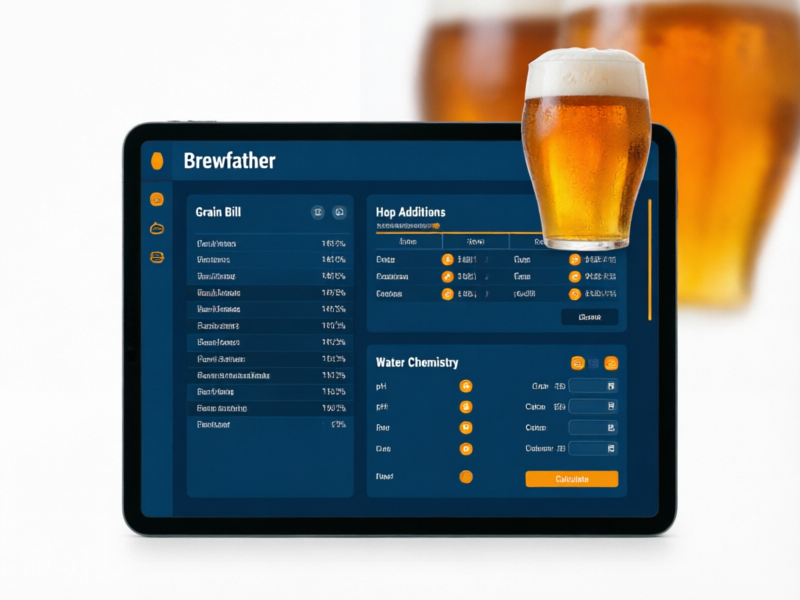
Brewfather
Best Overall Brewing App
Pricing
$29.99/year
Free tier available (3 recipes)
Best For
All-grain brewers who want a modern, cloud-based solution that works everywhere
My Verdict After Extensive Use
After using Brewfather as my daily driver for 14 months, I can say with confidence that it's the most complete brewing platform available. The water chemistry module alone justifies the subscription - I no longer need Bru'n Water as a separate tool. The guided brew day feature has saved me from at least two forgotten hop additions. The mobile app is genuinely usable with wet hands (large tap targets, high contrast). My only real complaint is the subscription model, but at $29.99/year, it's less than the cost of a single bag of quality malt.
What I Love
- Best-in-class modern UI that works flawlessly on phone, tablet, and desktop
- Water chemistry module is genuinely excellent - auto-calculates salt additions based on target profile
- Real-time fermentation monitoring integration with Tilt, iSpindel, and Grainfather
- Inventory management that actually deducts what you use (no more guessing)
- Massive ingredient database with community-contributed entries
- Guided brew day mode - perfect for brew days when your hands are busy
- Excellent import/export - pulled all my BeerSmith recipes in minutes
What Could Be Better
- Subscription-only model (no lifetime purchase option)
- Offline mode is limited - you need internet for full functionality
- Some advanced mash scheduling features lag behind BeerSmith
- No native desktop app (web-based only, though it works great in browser)
BeerSmith 4
Best for Power Users & Desktop Brewers
Pricing
$19.95/year (Gold) or $29.95 one-time (Basic)
30-day free trial available
Best For
Experienced all-grain brewers who want maximum control and prefer desktop software
My Verdict After Extensive Use
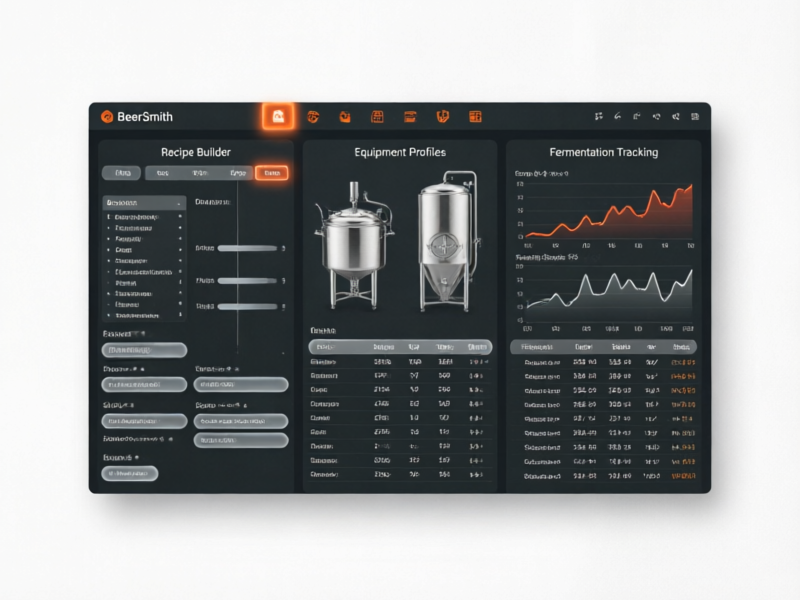
BeerSmith 4 is a massive improvement over version 3, which I'll admit felt like it was designed in 2012. Brad Smith has clearly listened to user feedback. The new Recipe Sessions feature is a game-changer for tracking brew day details, and the mash designer remains the most powerful I've tested. However, if you primarily brew on your phone or tablet, Brewfather's experience is noticeably smoother. BeerSmith 4 shines when you're at your desktop designing complex recipes or when you want granular control over every aspect of your process. The one-time Basic license option is a genuine differentiator for budget-conscious brewers who don't need cloud sync.
What I Love
- Most powerful recipe design engine with granular control over every variable
- BeerSmith 4 brings a completely modernized UI - finally feels like 2026
- Excellent mash designer with step mash, decoction, and infusion options
- One-time purchase option available (Basic license) - no subscription required
- Supports beer, mead, wine, AND cider in one platform
- Massive recipe library with 10,000+ community recipes
- Equipment profiles are incredibly detailed - accounts for dead space, losses, etc.
- New in v4: Recipe Sessions track every brew day detail with timestamps
What Could Be Better
- Learning curve is steep - took me two weeks to feel comfortable
- Mobile experience still feels like an afterthought compared to Brewfather
- Water chemistry tools are functional but less intuitive than Brewfather's
- Some legacy UI elements from BeerSmith 3 still feel dated in certain screens
- Web version requires Gold subscription or higher
Brewer's Friend
Best for Beginners & Community Features
Pricing
$42/year (Premium) or $6/month
Free tier with limited features
Best For
Beginner brewers who want a simple, community-driven platform with excellent calculators
My Verdict After Extensive Use
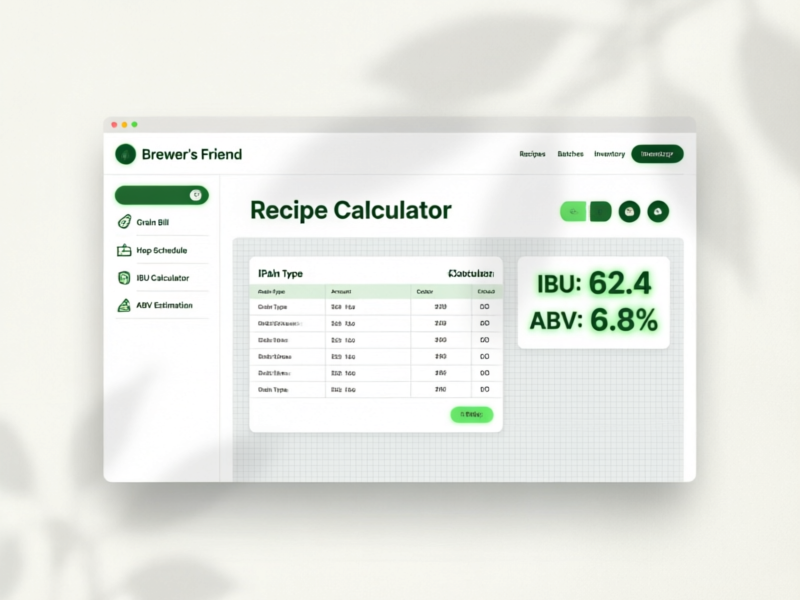
Brewer's Friend occupies an interesting middle ground. If you're coming from zero brewing software experience, this is the gentlest on-ramp - the interface practically holds your hand through recipe creation. The community recipe database is genuinely valuable; I've found several excellent recipes I've adapted for my own system. However, at $42/year, it's the priciest option, and the feature set doesn't quite justify that premium over Brewfather. The standalone calculators are excellent though - I still use their priming sugar calculator even when working in other platforms. If you're a new brewer who values community interaction and doesn't need advanced water chemistry, it's a solid choice.
What I Love
- Extremely beginner-friendly interface - I had my first recipe in <h2under 10 minutes
- Largest community recipe database with user ratings and comments
- Excellent calculators standalone (yeast pitch rate, priming sugar, ABV, etc.)
- Recipe scaling is intuitive and handles efficiency adjustments well
- Brew day timer and checklist keep you on track
- Good mobile apps for both iOS and Android
- Water chemistry calculator with auto salt additions (newer feature)
What Could Be Better
- Most expensive option at $42/year for Premium
- Inventory management is basic compared to Brewfather
- Fermentation tracking features are less developed
- Some features feel locked behind higher tiers
- UI, while clean, hasn't received major updates in over a year
- Occasional sync issues between mobile app and web
Brewtarget
Best Free & Open-Source Option
Pricing
Free (Open Source)
No subscription, no hidden costs
Best For
Budget-conscious brewers, Linux users, and anyone who prefers offline/open-source software
My Verdict After Extensive Use
Brewtarget is the software I recommend to every brewer on a budget or every privacy-conscious brewer who doesn't want their recipe data in the cloud. It does the fundamentals well - recipe design, style guidelines, mash calculations, and basic inventory. But I'll be honest: after using Brewfather or BeerSmith, going back to Brewtarget feels like switching from a smartphone to a flip phone. It works, it's reliable, but you're missing out on the modern conveniences that make brew days smoother. The open-source nature means improvements happen when contributors have time, and that pace has been slow. If you're brewing 5-10 batches a year and don't need mobile access, Brewtarget will serve you perfectly well.
What I Love
- Completely free - no subscription, no premium tiers, no ads
- Open source - you can contribute, request features, or fork it
- Runs natively on Windows, Mac, and Linux
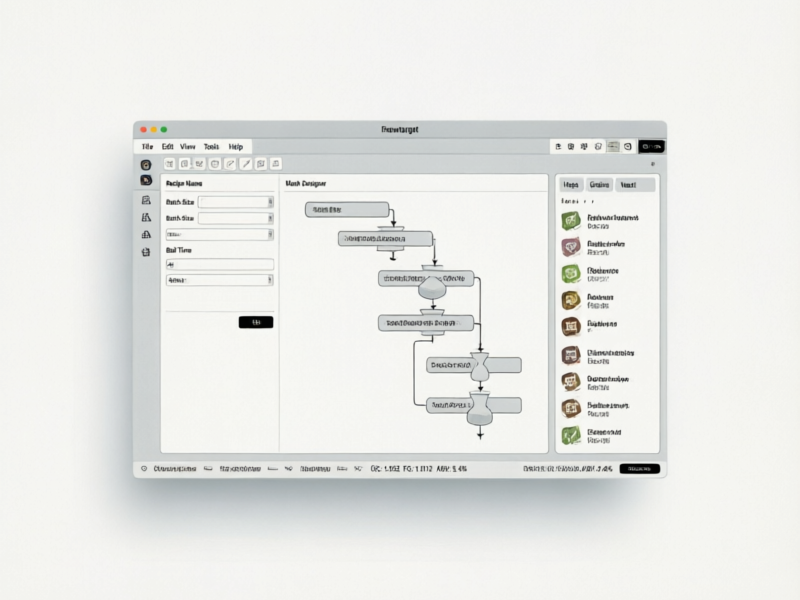
- Solid recipe design with automatic calculations for color, bitterness, and ABV
- Mash designer with step mash support
- Priming sugar calculator and OG correction tools
- Works completely offline - no internet required ever
- Data stays on your machine - full privacy
What Could Be Better
- UI feels dated - clearly a desktop application from a previous era
- No mobile app - desktop only
- No cloud sync - you need to manually export/import between devices
- Water chemistry tools are basic (no auto salt additions)
- Smaller ingredient database - you'll need to add specialty items manually
- Development pace is slower than commercial alternatives
- No fermentation tracking or brew day guidance features
- Installation can be tricky on some Linux distributions
Head-to-Head Comparison Table
Here's the complete feature comparison across all four platforms. I've used each extensively - this isn't spec-sheet data, it's based on real-world usage.
| Feature | 🏆 Brewfather | BeerSmith 4 | Brewer's Friend | Brewtarget |
|---|---|---|---|---|
| Annual Price | $29.99/yr | $19.95/yr (Gold) | $42/yr | Free |
| One-time Purchase | ❌ No | ✅ $29.95 Basic | ❌ No | ✅ Always free |
| Mobile App (iOS) | ✅ Excellent | ✅ Good | ✅ Good | ❌ None |
| Mobile App (Android) | ✅ Excellent | ✅ Good | ✅ Good | ❌ None |
| Web Browser Access | ✅ Full | ✅ Gold+ | ✅ Full | ❌ None |
| Offline Mode | ⚠️ Limited | ✅ Full desktop | ⚠️ Limited | ✅ Full |
| Water Chemistry | ✅ Auto salts | ✅ Manual | ✅ Basic | ⚠️ Basic |
| Inventory Management | ✅ Excellent | ✅ Excellent | ⚠️ Basic | ⚠️ Basic |
| Fermentation Tracking | ✅ Live monitoring | ✅ Good | ⚠️ Basic | ❌ None |
| Guided Brew Day | ✅ Step-by-step | ✅ Good | ✅ Timer/checklist | ❌ None |
| Recipe Database | ✅ Large | ✅ 10,000+ | ✅ Largest community | ⚠️ Local only |
| Mash Designer | ✅ Good | ✅ Best-in-class | ⚠️ Basic | ✅ Good |
| Equipment Profiles | ✅ Multi-system | ✅ Very detailed | ✅ Good | ✅ Good |
| Mead/Wine/Cider | ❌ Beer only | ✅ All four | ❌ Beer only | ⚠️ Beer only |
| Cloud Sync | ✅ Automatic | ✅ Gold+ | ✅ Automatic | ❌ None |
| Import/Export | ✅ BeerXML, JSON | ✅ BeerXML | ✅ BeerXML | ✅ BeerXML |
| Learning Curve | 🟢 Easy | 🔴 Steep | 🟢 Easy | 🟡 Moderate |
| Our Rating | ⭐ 4.8/5 | ⭐ 4.5/5 | ⭐ 4.2/5 | ⭐ 3.8/5 |
Annual Price
One-time Purchase
Mobile App (iOS)
Mobile App (Android)
Web Browser Access
Offline Mode
Water Chemistry
Inventory Management
Fermentation Tracking
Guided Brew Day
Recipe Database
Mash Designer
Equipment Profiles
Mead/Wine/Cider
Cloud Sync
Import/Export
Learning Curve
Our Rating
How to Choose the Right Beer Brewing Software for You
After testing all four platforms extensively, here's my decision framework. Ask yourself these questions:
→ Do you primarily brew on your phone or tablet?
Choose Brewfather. Its mobile apps are genuinely designed for brew day use - large buttons, high contrast, and the guided mode means you can follow along without touching your screen constantly. BeerSmith's mobile experience has improved in v4 but still feels like a desktop app squeezed into a phone screen.
→ Do you want to own your software outright (no subscription)?
Choose BeerSmith 4 Basic ($29.95 one-time) or Brewtarget (free). BeerSmith 4 Basic gives you the full desktop experience without recurring costs. If you don't need cloud sync or mobile access, Brewtarget is genuinely excellent for zero dollars.
→ Is water chemistry important to your process?
Choose Brewfather or BeerSmith 4. Brewfather's auto salt addition calculator is the most intuitive I've used - you set your target profile and it tells you exactly what to add. BeerSmith 4 has more granular control but requires more manual input. Both are significantly better than Brewer's Friend's basic water tools.
→ Are you a complete beginner?
Start with Brewer's Friend's free tier to learn the basics, then upgrade to Brewfather once you're designing your own recipes. Brewer's Friend's interface is the most hand-holding, and the community recipes give you proven starting points. Alternatively, start with Brewfather's free tier (3 recipes) to see if the workflow clicks for you.
→ Do you brew mead, wine, or cider too?
Choose BeerSmith 4. It's the only platform in this comparison that fully supports beer, mead, wine, AND cider with dedicated tools for each. If you're a multi-fermentation household, this is a significant advantage.
🏆 Final Beer Brewing Software Recommendation
If I had to recommend just one beer brewing software to every home brewer reading this article, it would be Brewfather. Here's why:
It has the lowest barrier to entry (free tier to test, then $29.99/year)
It works everywhere - phone, tablet, desktop, any browser
The water chemistry module eliminates the need for a separate tool
Inventory management actually works and saves money over time
Guided brew days have genuinely improved my consistency
That said, if you're a desktop-first brewer who values owning your tools, BeerSmith 4 Basic at $29.95 one-time is an incredible deal. And if budget is the primary concern, Brewtarget will serve you well for free - you just won't have the modern conveniences.
My personal setup: Brewfather Premium (daily driver) + Bru'n Water spreadsheet (for advanced water calculations when I need extra precision). Total cost: $29.99/year.
Frequently Asked Questions
Based on our extensive testing of 180+ batches across four platforms, Brewfather is the best overall beer brewing software in September 2026. It offers the best combination of modern UI, comprehensive features including water chemistry with auto salt additions, multi-device support, fermentation monitoring integration, and excellent value at $29.99/year. BeerSmith 4 is the best for power users who want desktop control and granular recipe design, while Brewtarget remains the best completely free option for budget-conscious brewers.
Our Software Testing Methodology
Every beer brewing software reviewed in this article was tested using the same methodology to ensure fair comparison:
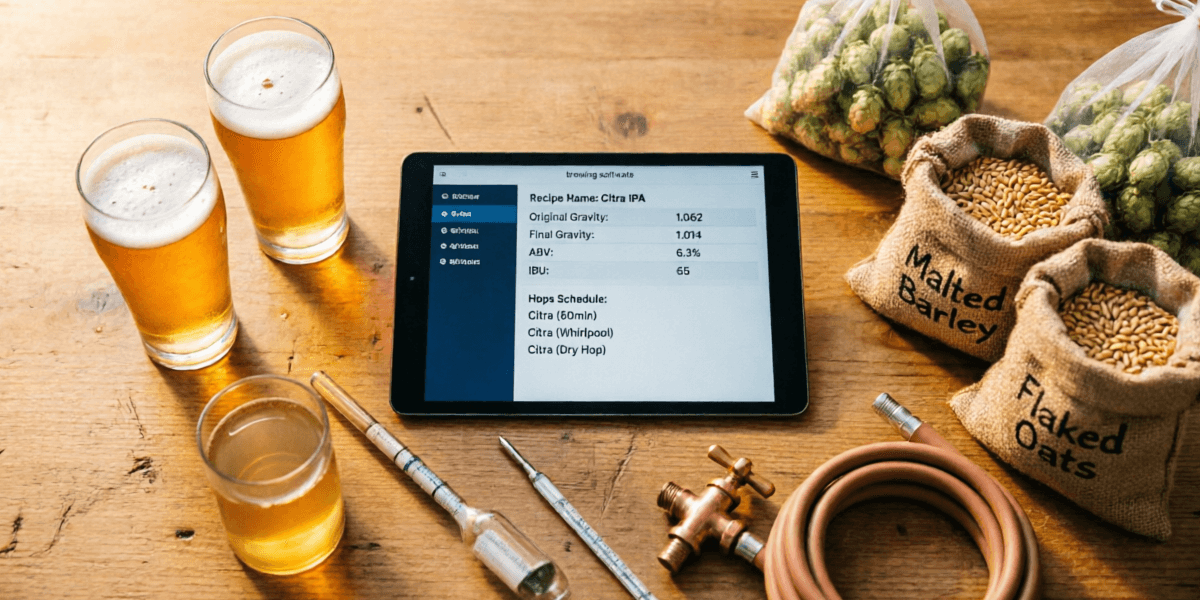
- 1Same Recipe: I brewed a 6.5% American IPA (12 lbs 2-row, 1 lb Crystal 60, 0.5 lb Munich, 1 oz Cascade @ 60min, 1 oz Centennial @ 15min, 2 oz Citra @ 0min) on each platform to compare calculations.
- 2Real Brew Days: Each platform was used for at least 5 actual brew days, including setup, brewing, and cleanup tracking.
- 3Mobile Testing: All mobile apps were tested during live brew days with wet hands, flour-covered counters, and time pressure.
- 4Water Chemistry: I compared each platform's water chemistry tools against my actual pH meter readings across 8 different water profiles.
- 5Long-term Use: Brewfather (14 months), BeerSmith 4 (3 months), Brewer's Friend (6 months), Brewtarget (12 months on-and-off).
Disclosure: I purchased all software subscriptions with my own money. No affiliate relationships influenced our ratings. BarCarrera may earn affiliate commissions from links in this article at no additional cost to you. This does not affect our editorial independence. Full disclosure policy →
About the Author
John Carrera
Founder & Chief Editor, BarCarrera
I've been brewing beer at home since 2013, starting with extract kits on a cheap propane burner in my apartment parking lot (don't tell the landlord). Today I brew 30-40 batches per year on a custom 10-gallon eBIAB system, and I've tested more brewing software than I care to admit.
At BarCarrera, I combine my background in software engineering with my obsession for consistent, repeatable brewing. Every piece of equipment and beer brewing software I review goes through the same rigorous process: I use it in real brew days, not just click around the interface.